WhatsApp on your desktop, no browser inside.
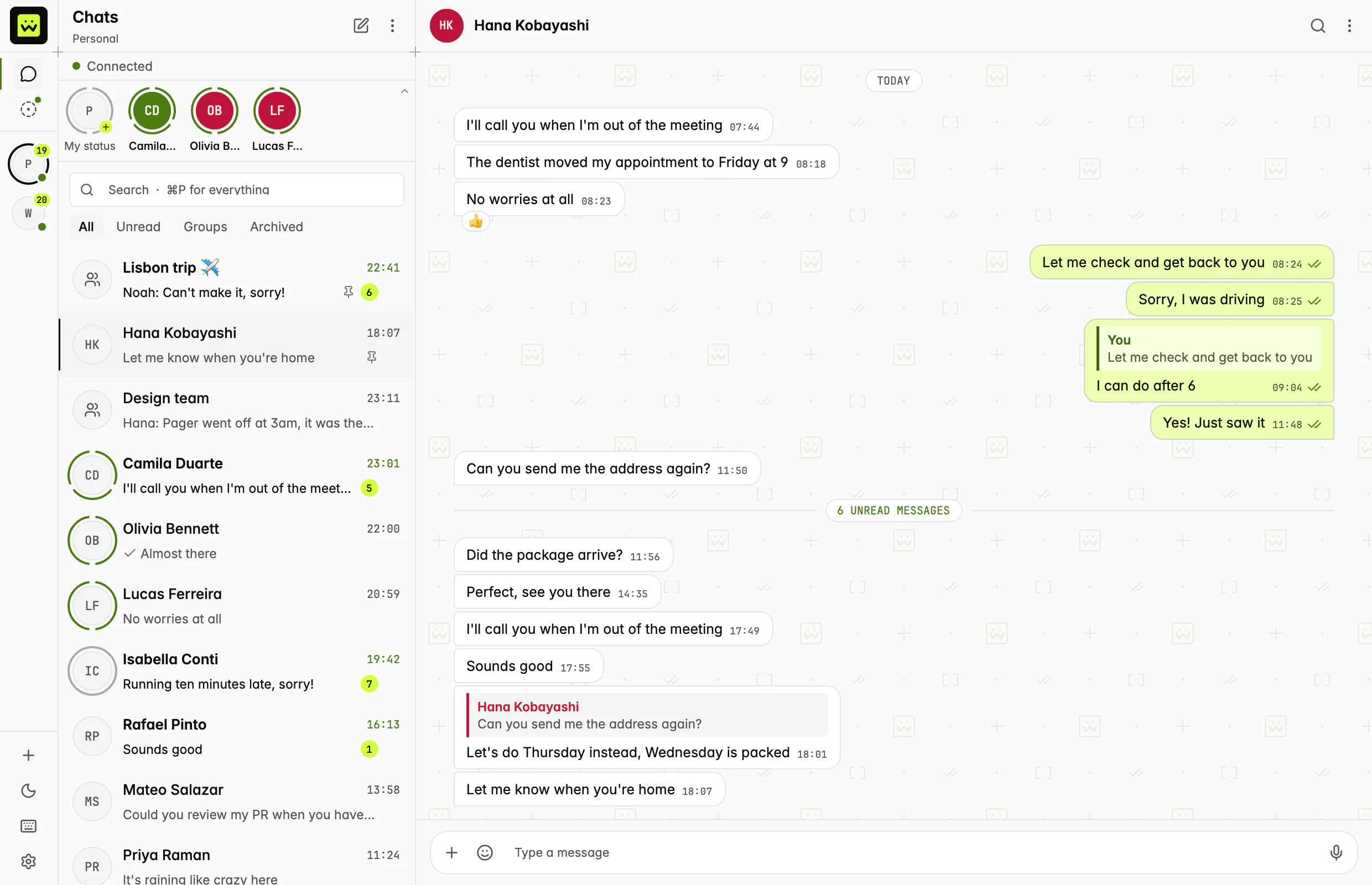
wuapi Inbox is a native app for the numbers in your wuapi account. It reads from a database on your computer, so opening a chat, scrolling back and searching don't wait for the network.
Free and open source. Works with the Free plan.
01/on your computer
Your chats are on your disk.
The window only reads a local database. An engine in the background keeps it in sync with your wuapi account.
Chats open without the network.
Opening a chat, scrolling back and searching read the local database. They work the same on a slow connection, and you can read your history with none.
Encrypted on your disk.
The database is encrypted with SQLCipher, and its key is in your operating system's keychain. Signing out deletes the key and the chats stored on the computer.
Live over Streams.
New messages, ticks and typing arrive over one wuapi Streams connection, with polling as the fallback. The connection's state is on screen, and you can reconnect from the app.
A send survives a restart.
What you send goes into an outbox on your disk. It goes out when the connection is back, and it never sends twice.
02/every day
What you expect from a chat app.
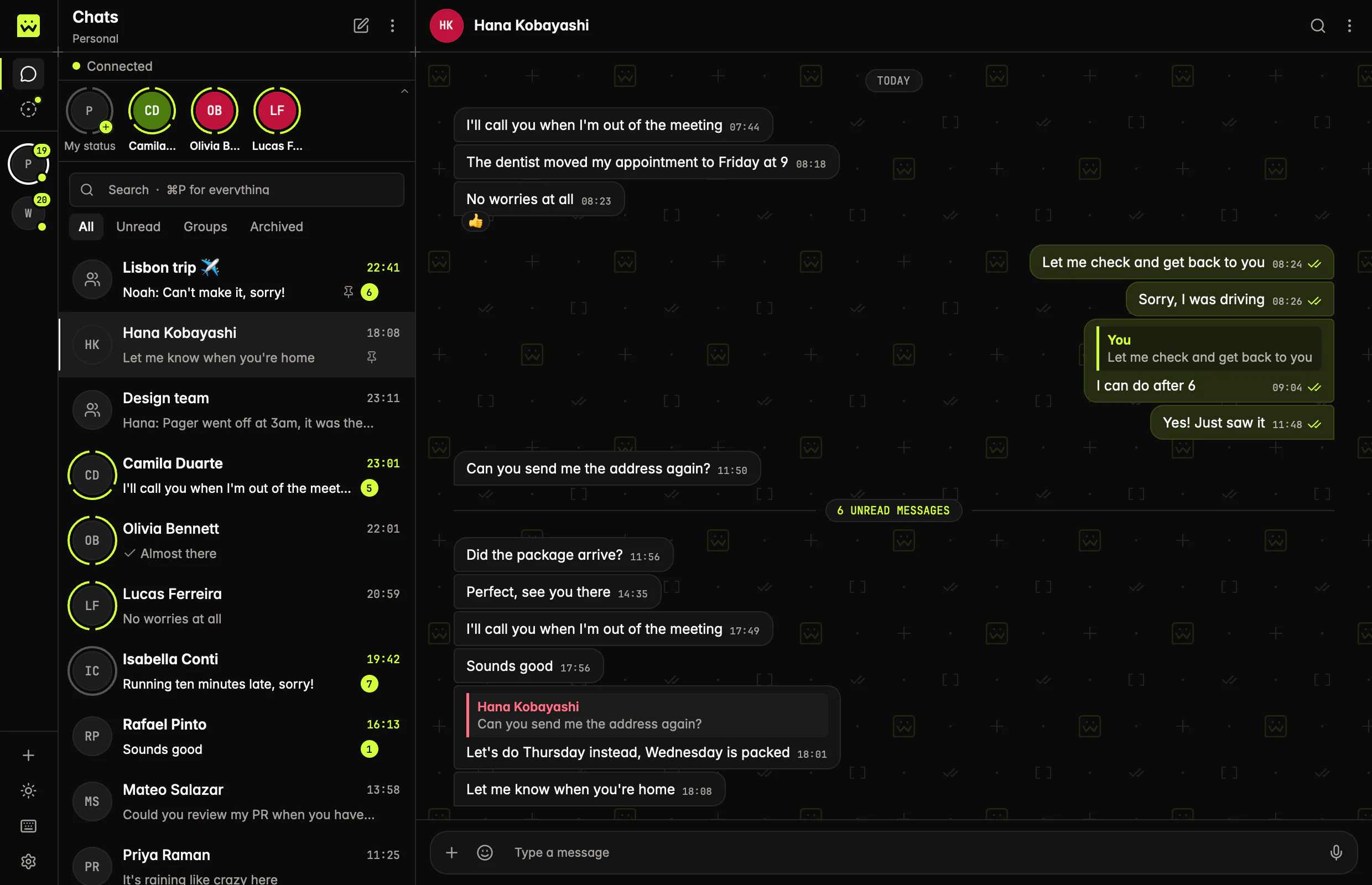
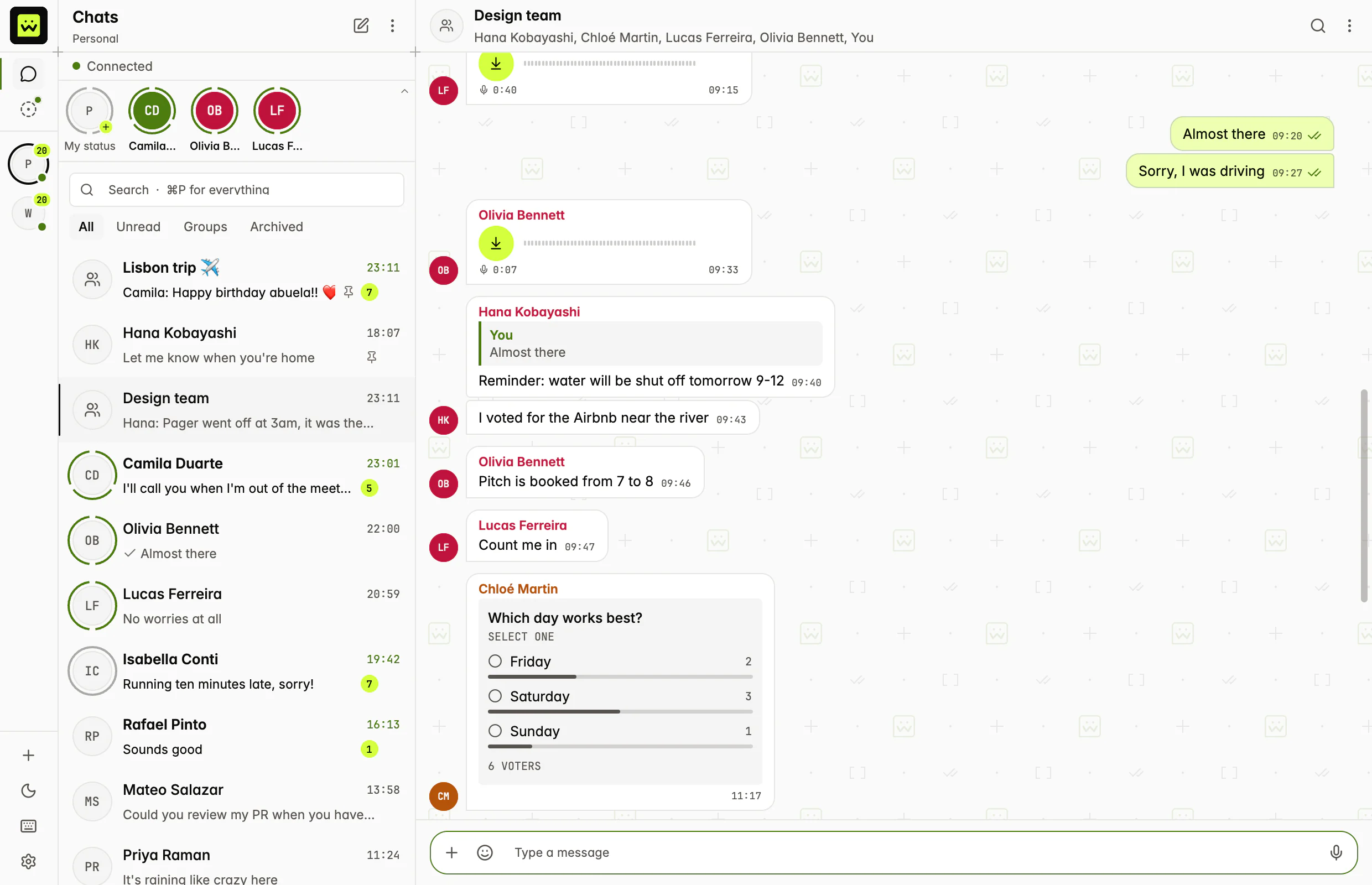
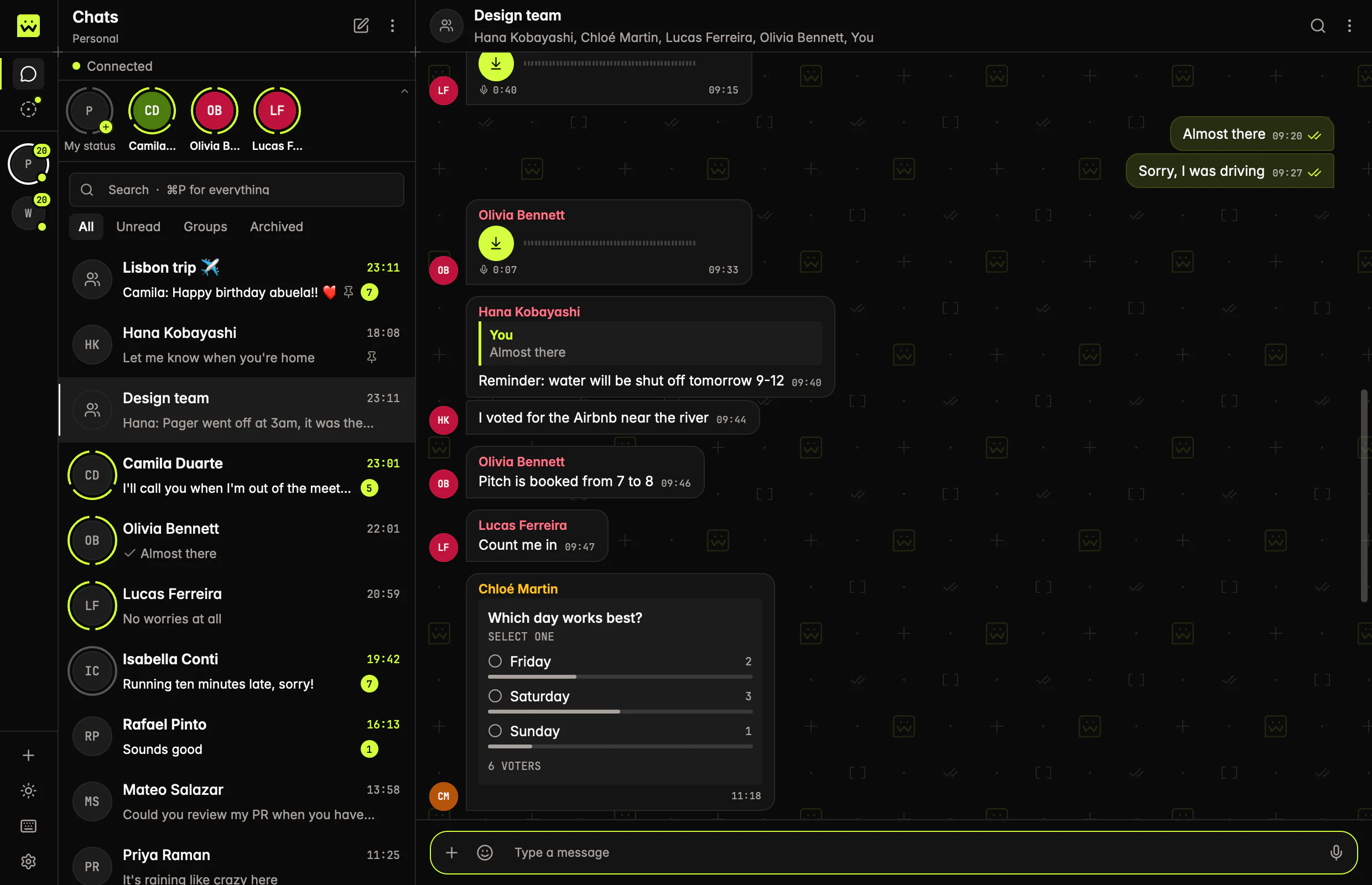
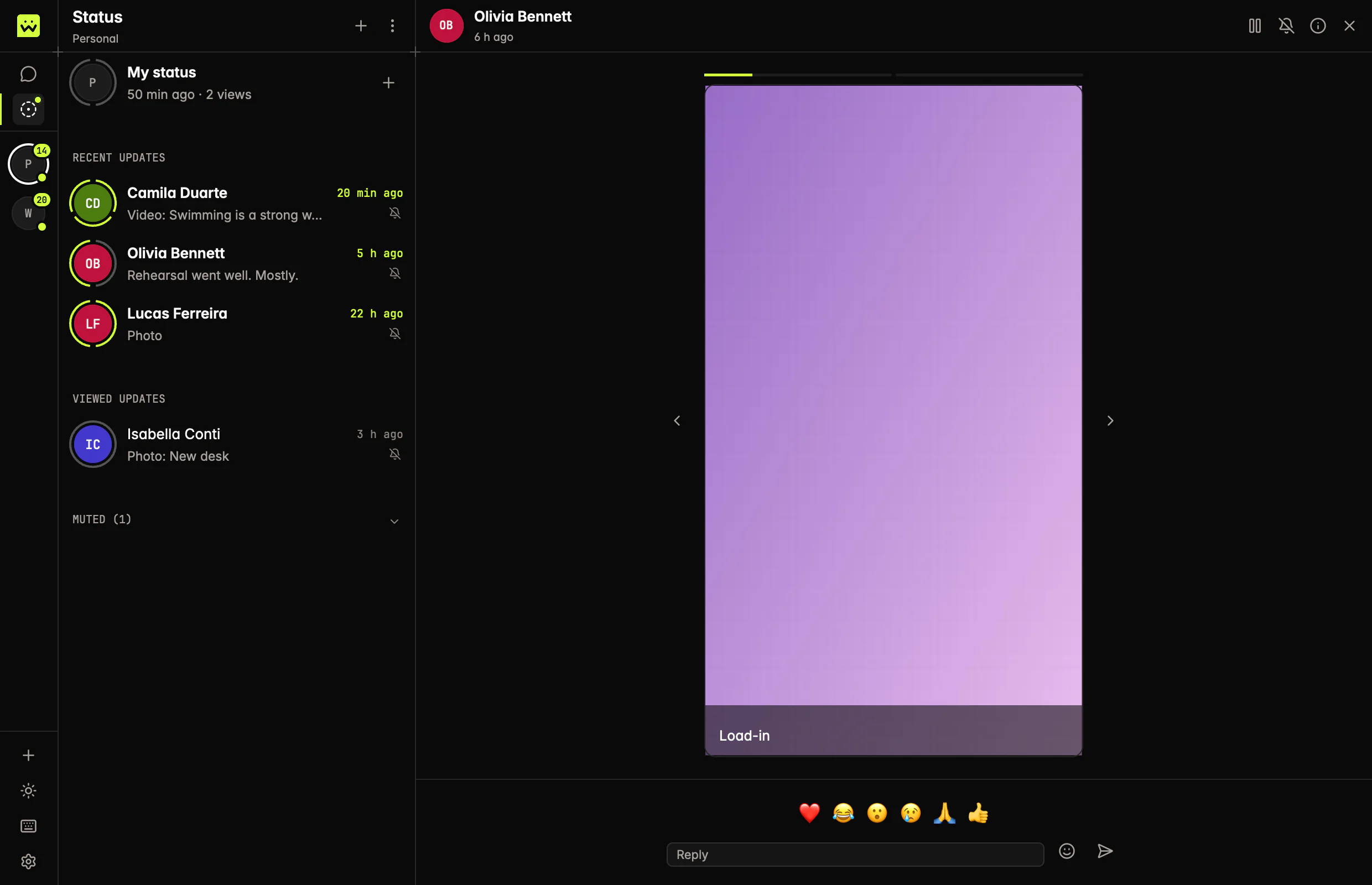
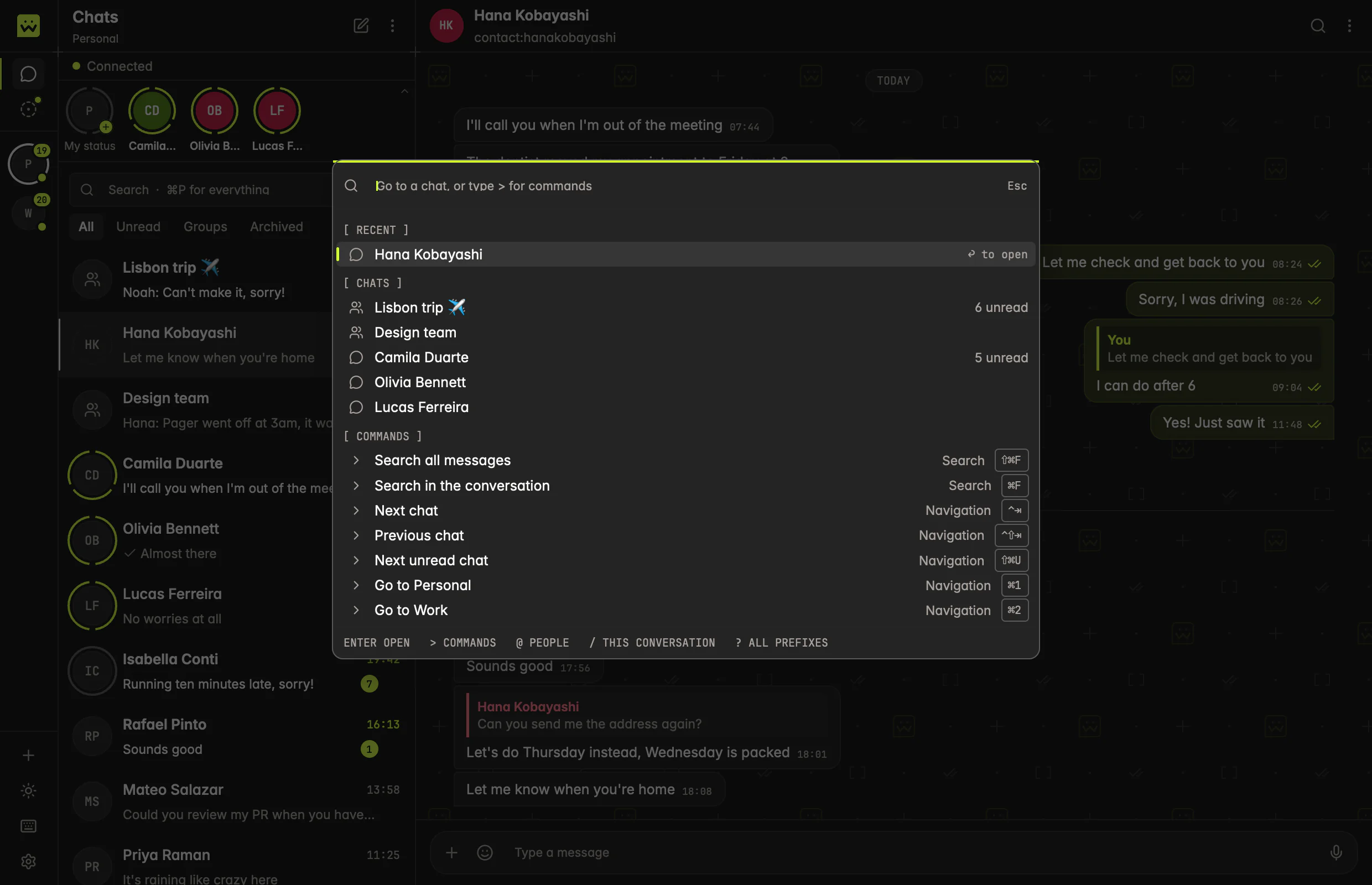
Chats and groups, replies, reactions and who reacted, delivery and read ticks, typing. Light and dark.
Several numbers, one window.
Add each number of your account and switch between them from the side rail. Each one keeps its own chats and its unread count.
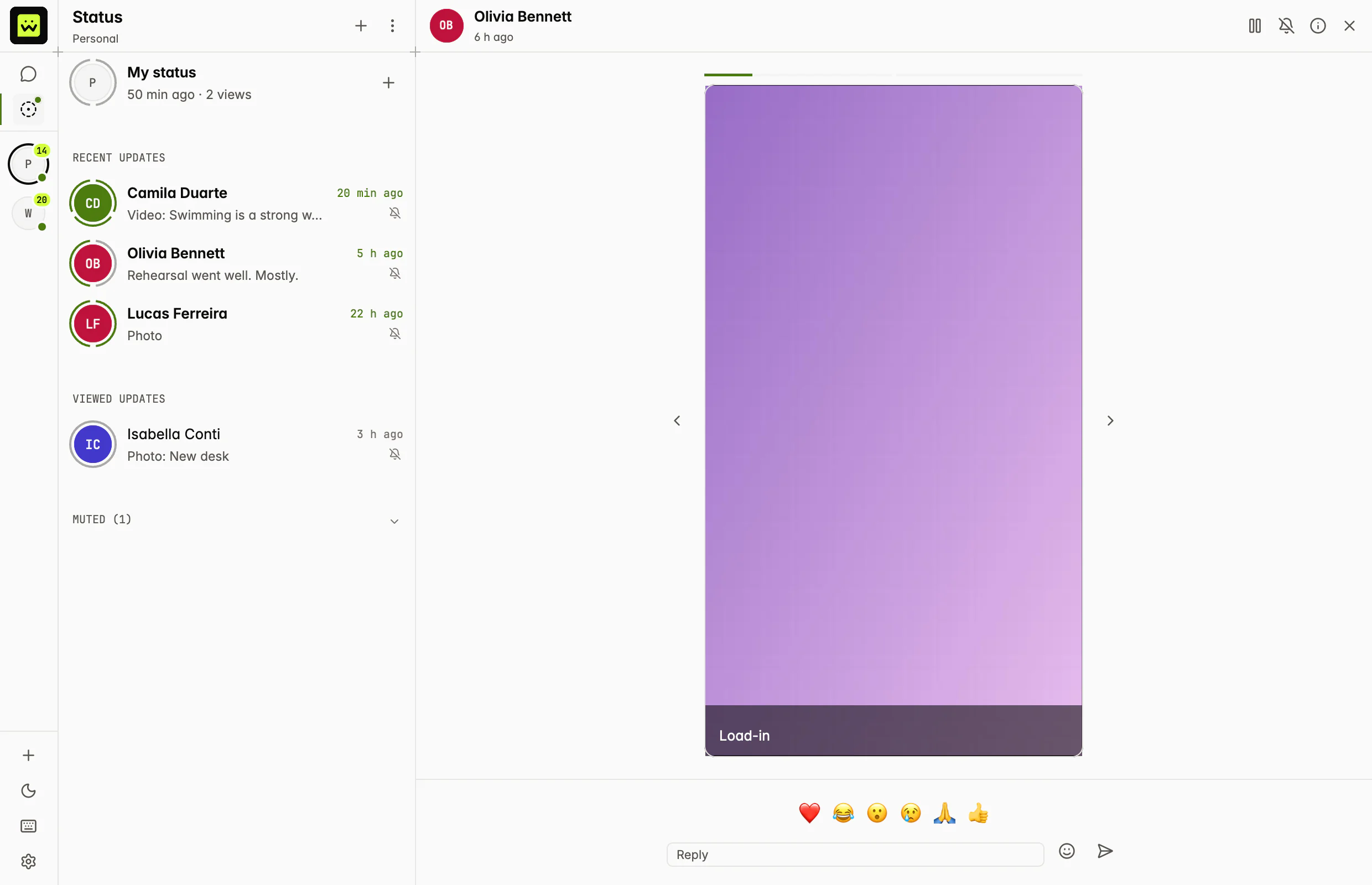
Media and Status, in place.
Images and stickers show in the conversation, and voice notes play there. Status has its own tab, with your contacts' updates, replies and reactions.
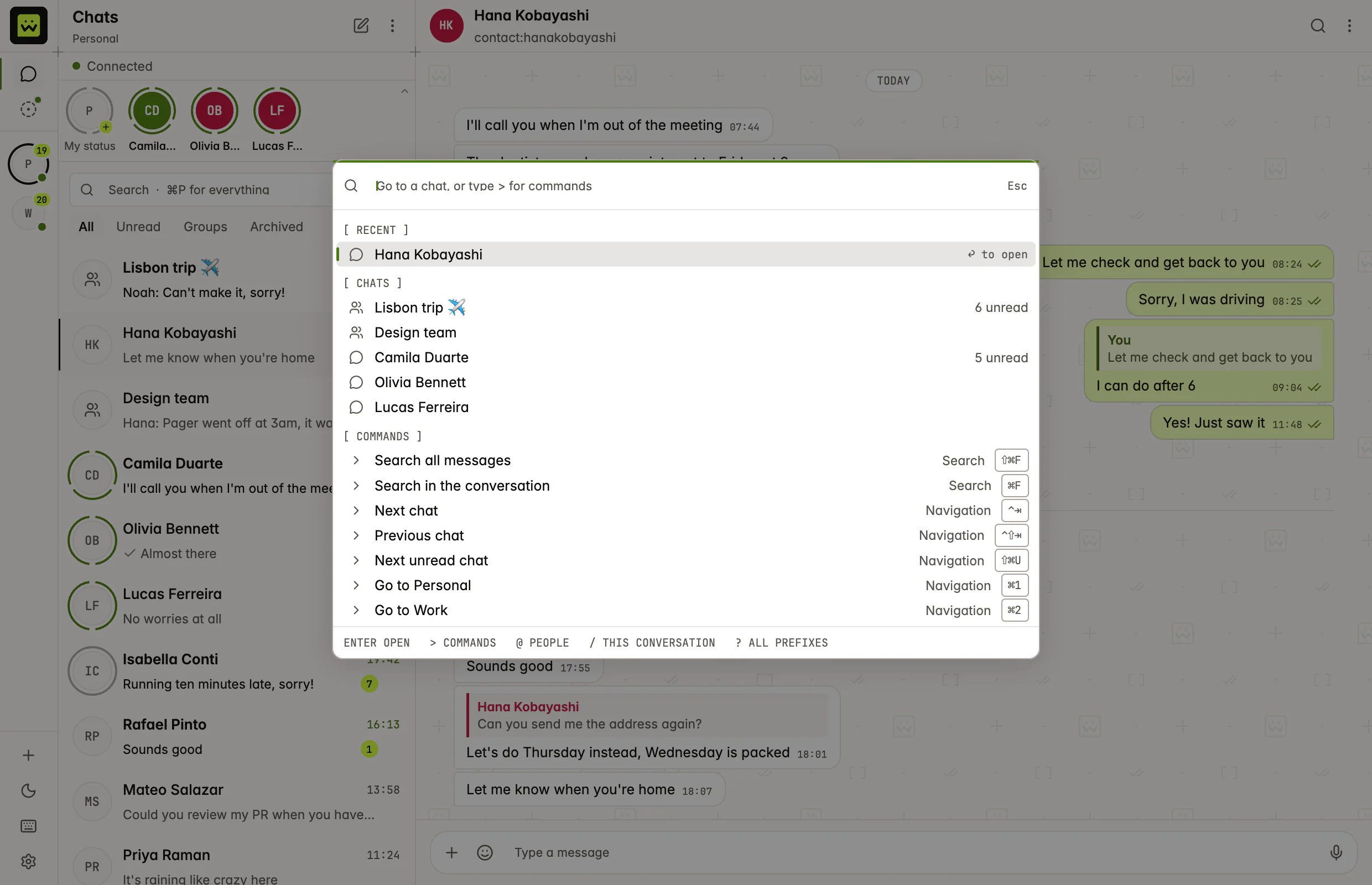
Search every message.
Full-text search runs over your whole history, on your computer. The command palette opens any chat or command from the keyboard.
03/open
Read it, change it, extend it.
The code is public, the backend is an adapter, and updates are verified before they install.
Open source, so you can audit it.
The whole app is on GitHub under Apache-2.0: the interface, the local store, the sync engine and the updater.
Read the codePluggable providers.
How the app reaches WhatsApp is an adapter behind one Rust trait. wuapi is the reference adapter, and you can write one for another backend.
It updates itself, and checks what it installs.
Every release has a manifest signed with Ed25519. The app verifies the signature, the size and the SHA-256 before it installs, and puts the old version back if the new one doesn't start.
The Free plan is enough.
Sign in with a short code that you approve in your browser. Any wuapi account works, Free included: 1 number, 2,000 messages and 0.5 GB of proxy traffic a month.
Create a free account04/not there yet
What version 0.1.0 doesn't do yet.
It's an early release. This is what's missing today.
- Desktop notifications aren't delivered yet. The app saves your preference for when they are.
- Voice notes play, but you can't record one from the app yet.
- The Windows build isn't code-signed yet, so Windows warns about an unknown publisher.
macOS
You need
A Mac with Apple Silicon or an Intel processor.
Open the disk image and drag wuapi Inbox to Applications.
Signed and notarized.
- macOS (Apple Silicon)
wuapi-inbox-0.1.0-macos-aarch64.dmg
- macOS (Intel)
wuapi-inbox-0.1.0-macos-x86_64.dmg
Windows
You need
A 64-bit PC (x86_64).
Unzip the file and run the app.
Not code-signed yet: Windows warns about an unknown publisher before it runs.
- Windows
wuapi-inbox-0.1.0-windows-x86_64.zip
Linux
You need
x86_64, with X11 or Wayland.
Unpack the tarball and run the binary. A desktop entry and an icon come with it.
One binary: it links only the C library, ALSA and the X11 or Wayland keyboard libraries.
- Linux
wuapi-inbox-0.1.0-linux-x86_64.tar.gz
Is wuapi Inbox free?
Yes. The app is open source under Apache-2.0 and costs nothing. It works with any wuapi account, and the Free plan is enough: 1 number, 2,000 messages and 0.5 GB of proxy traffic a month, with no card.
Do I need a wuapi account?
Yes. wuapi is the provider the app comes with. You sign in with a short code that you approve in your browser, and the app keeps its API key in your operating system's keychain.
Where are my chats stored?
In a database on your computer, encrypted with SQLCipher. Its key is in your operating system's keychain. Signing out deletes the key and the chats stored on the computer.
Why does Windows warn about an unknown publisher?
The Windows build isn't code-signed yet, and Windows shows that warning for an app without a signature it knows. The macOS builds are signed and notarized. You can check any file against SHA256SUMS.
How does it update?
By itself. It verifies the signature of the release manifest, downloads in the background, checks the size and the SHA-256, and asks you to restart. If the new version doesn't start, the old one comes back.
Does it replace WhatsApp on my phone?
No. Your number stays on your phone, linked to wuapi as a device. wuapi Inbox shows that number's chats and sends through your wuapi account.
Get wuapi Inbox.
Free and open source. You sign in with a wuapi account.